Surface Normals
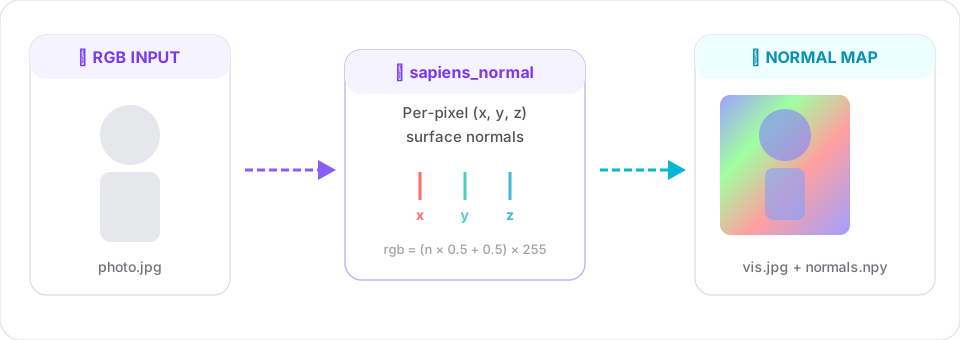
Per-pixel surface-normal estimation. Output channels are the (x, y, z) components of the normal vector in camera space.
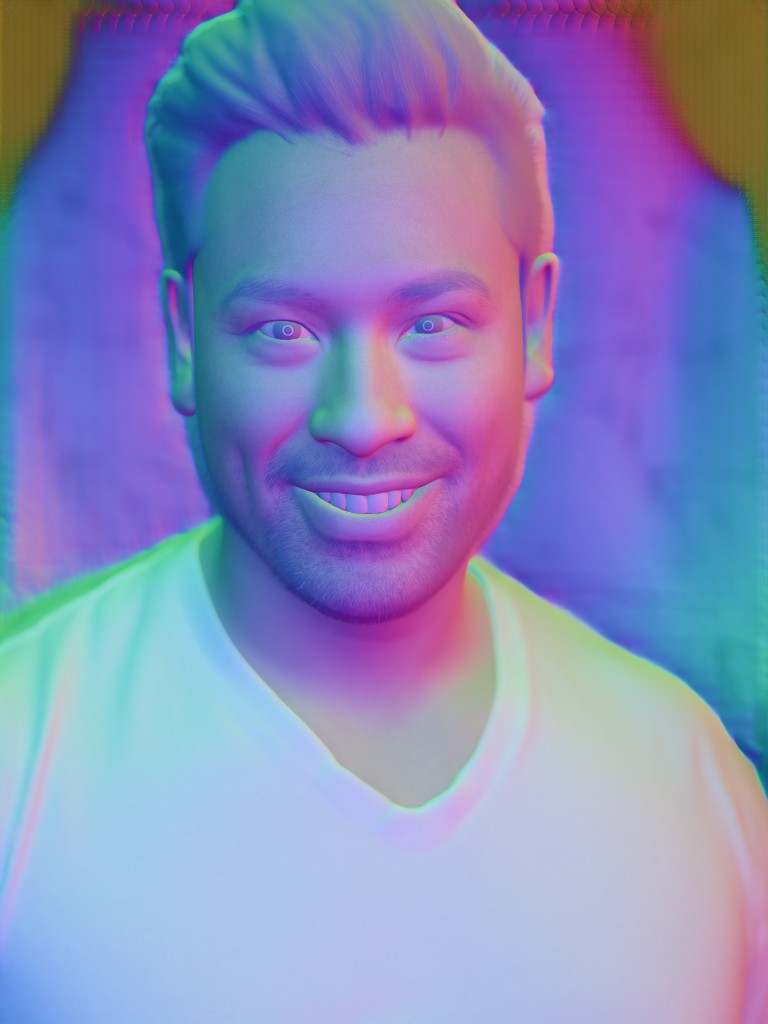
sapiens_normal output (0.4b) — surface normals mapped to RGB, blended with inputSignature
sapiens_normal(
    input_path:  str,
    output_dir:  str,
    model_size:  str = "0.4b",
    device:      str = "cuda:0",
    save_pred:   bool = True,
) -> dict
Example
from strands_sapiens import sapiens_normal

sapiens_normal(
    input_path="person.jpg",
    output_dir="out/",
    model_size="0.4b",
)
Output:
out/person.jpg- side-by-side input vs. remapped RGB normalsout/person_normal.npy-3×H×Wfloat array, unit-normalized

Visualization
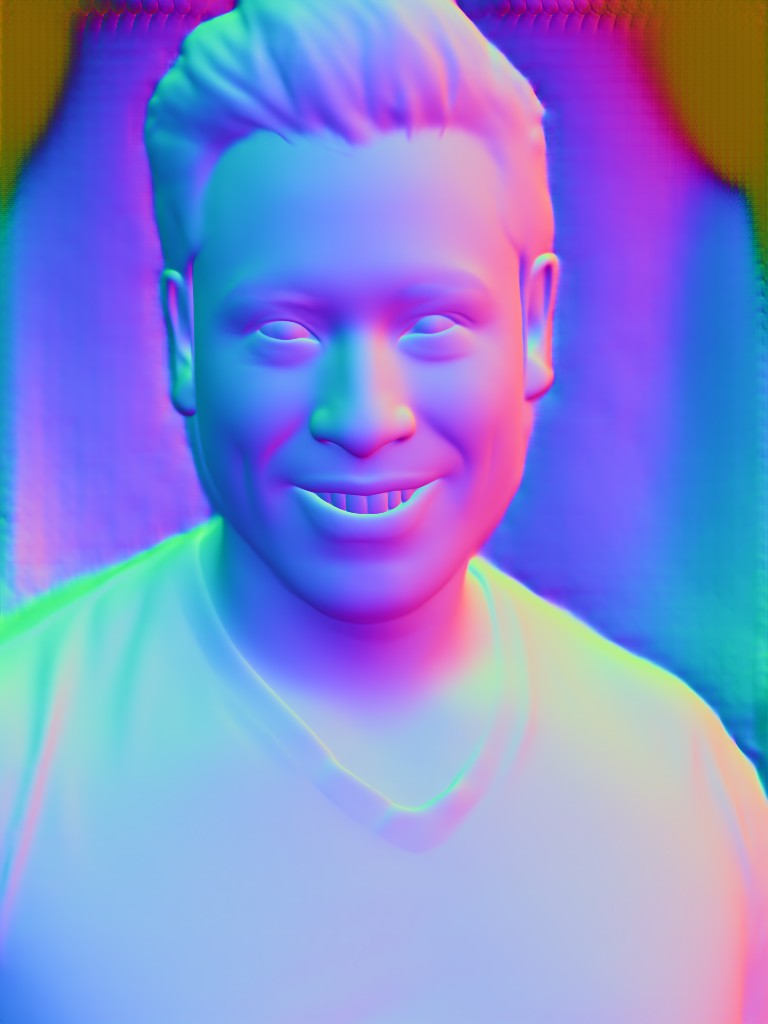
The viz maps each normal (x, y, z) ∈ [-1, 1]³ to RGB via
Red channel = x (horizontal), Green = y (vertical), Blue = z (depth / toward camera).
Flat walls facing the camera show up as ~(128, 128, 255).
Use-cases
- Relighting / portrait studio: combine with
albedo→ relight photos after the fact. - Clothing wrinkle analysis: normals are sensitive to fine fabric detail.
- AR filter preprocessing: drive shading in real time without a depth sensor.
Consume the raw .npy
import numpy as np
n = np.load("out/person_normal.npy")  # (3, H, W)
# unit-normalize (already close but re-do for safety)
norm = np.linalg.norm(n, axis=0, keepdims=True)
n = n / np.clip(norm, 1e-6, None)
Related