Albedo
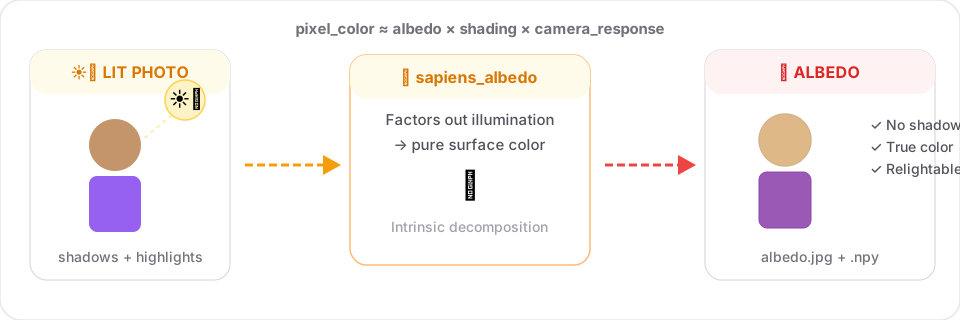
Per-pixel albedo = intrinsic diffuse color, with illumination factored out. Great for relighting and clothing color analysis.
Same input pipeline as segmentation and normals
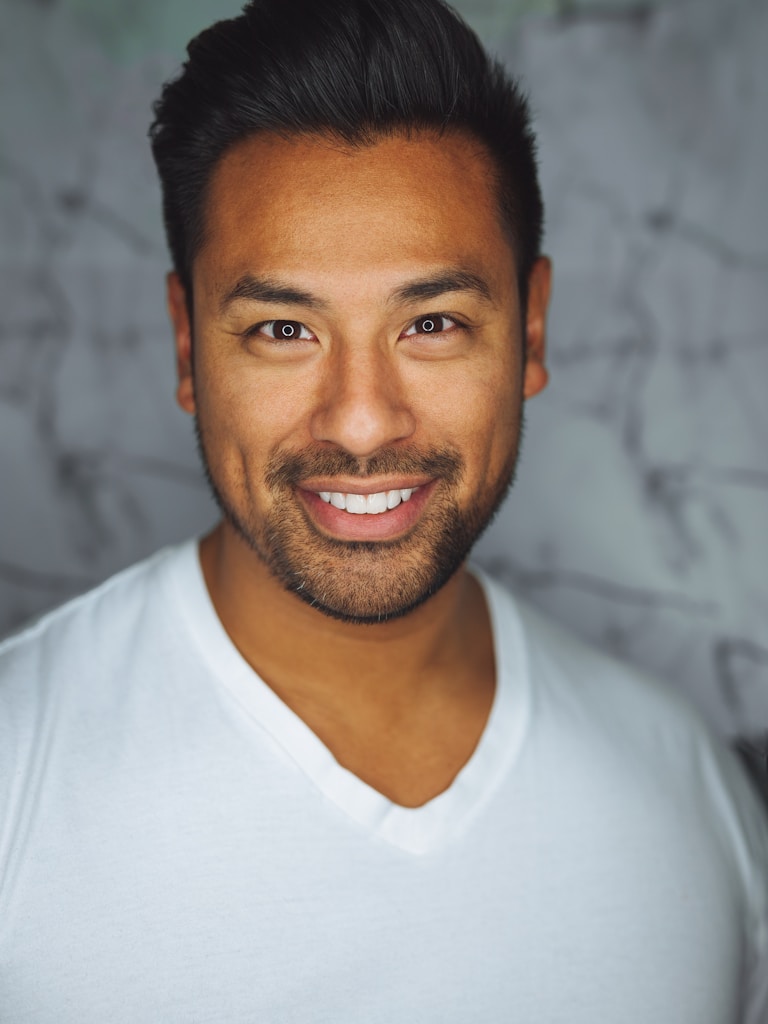
All dense tasks share the same interface. Here's the input image used across all guide examples:
Signature
sapiens_albedo(
    input_path:  str,
    output_dir:  str,
    model_size:  str = "0.4b",
    device:      str = "cuda:0",
    save_pred:   bool = True,
) -> dict
Example
from strands_sapiens import sapiens_albedo

sapiens_albedo(
    input_path="person.jpg",
    output_dir="out/",
)
Output:
out/person.jpg- side-by-side input vs. albedo viz (min-max normalized)out/person_albedo.npy-3×H×Wfloat array
Why this is useful
Photos mix three signals:
Albedo gives you just the first factor. Once you have it you can:
- Relight (combine with normals).
- Color-match garments across photos under different lighting.
- Remove specular highlights (especially on skin / hair).
Visualization
The wrapper normalizes the predicted albedo to the [0, 255] range per image for display. The .npy keeps the original float values.
Tips
- Indoor vs. outdoor: the model generalizes remarkably well; lighting condition doesn't need to match training data.
- For relighting: pair albedo with normals and run a simple shading model (
color = albedo × max(0, n · l)).
Related