dashboard·
2 min
The cockpit is a FastAPI backend on the Jetson (docs/dashboard/server.py, port 8080) serving a React single page app, reached through a Cloudflare tunnel at https://neon.cagatay.my. It is the single owner of the USB cameras: every other persona (voice, Telegram, thinker) pulls frames from its snapshot API instead of opening the devices. Screenshots below are from the live robot; the camera frames are blurred because the office has people in it.
sign in·
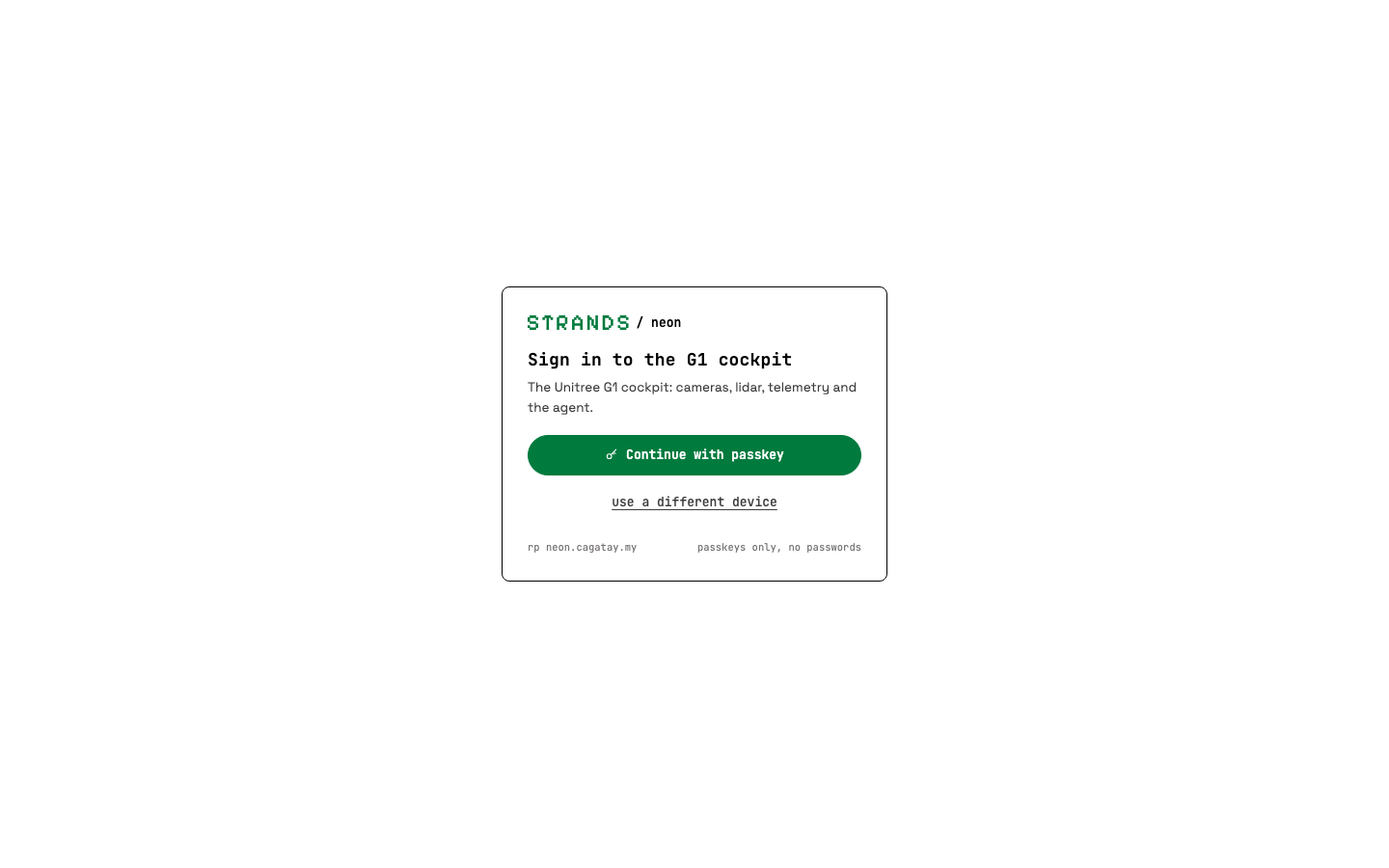
Passkeys only, no passwords. The first visitor seals the robot with an admin passkey (optionally gated by NEON_AUTH_BOOTSTRAP_TOKEN); every later operator is added from Configuration, passkeys, on their own device. Service processes use a long lived signed token from the same store.
cockpit·
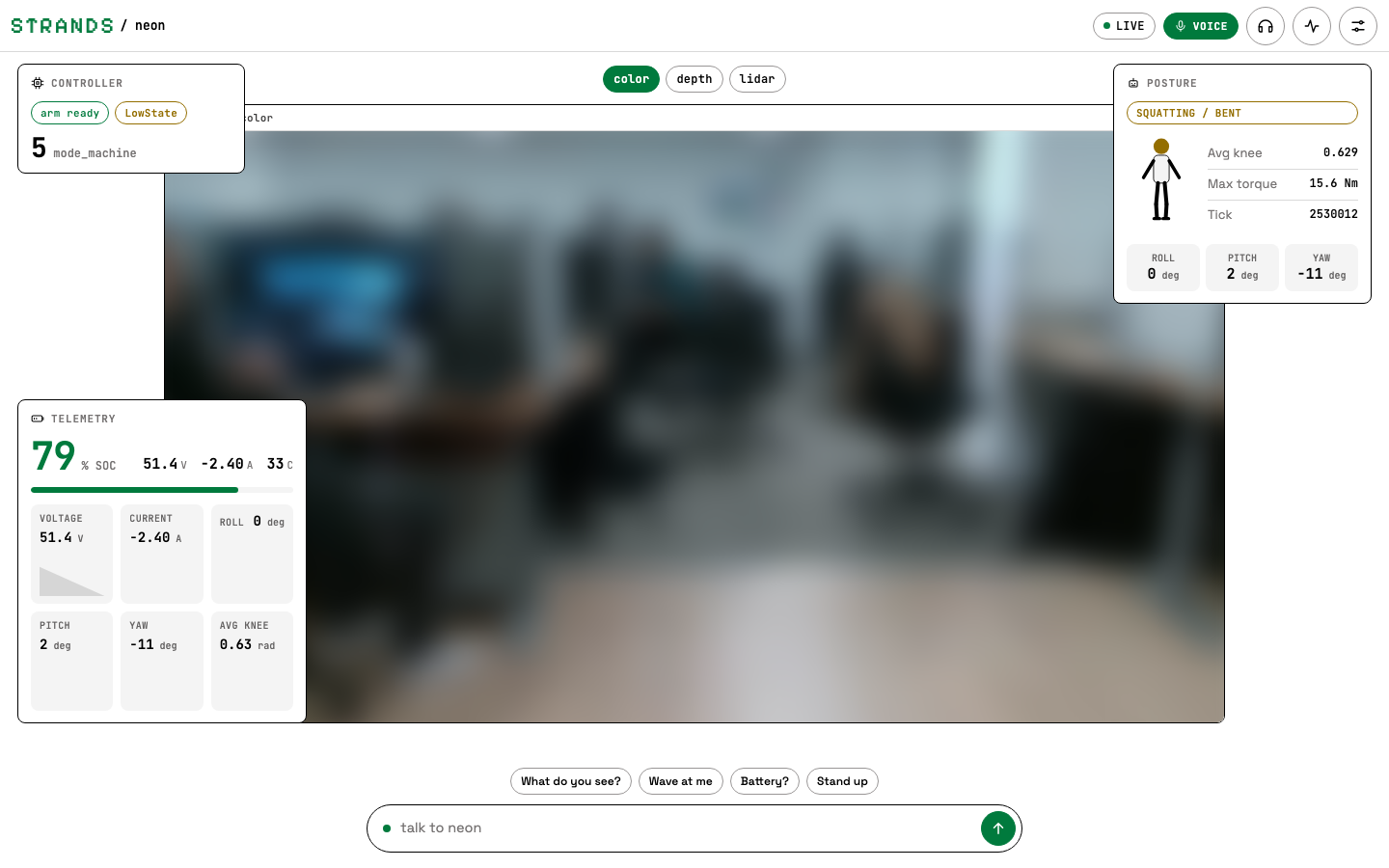
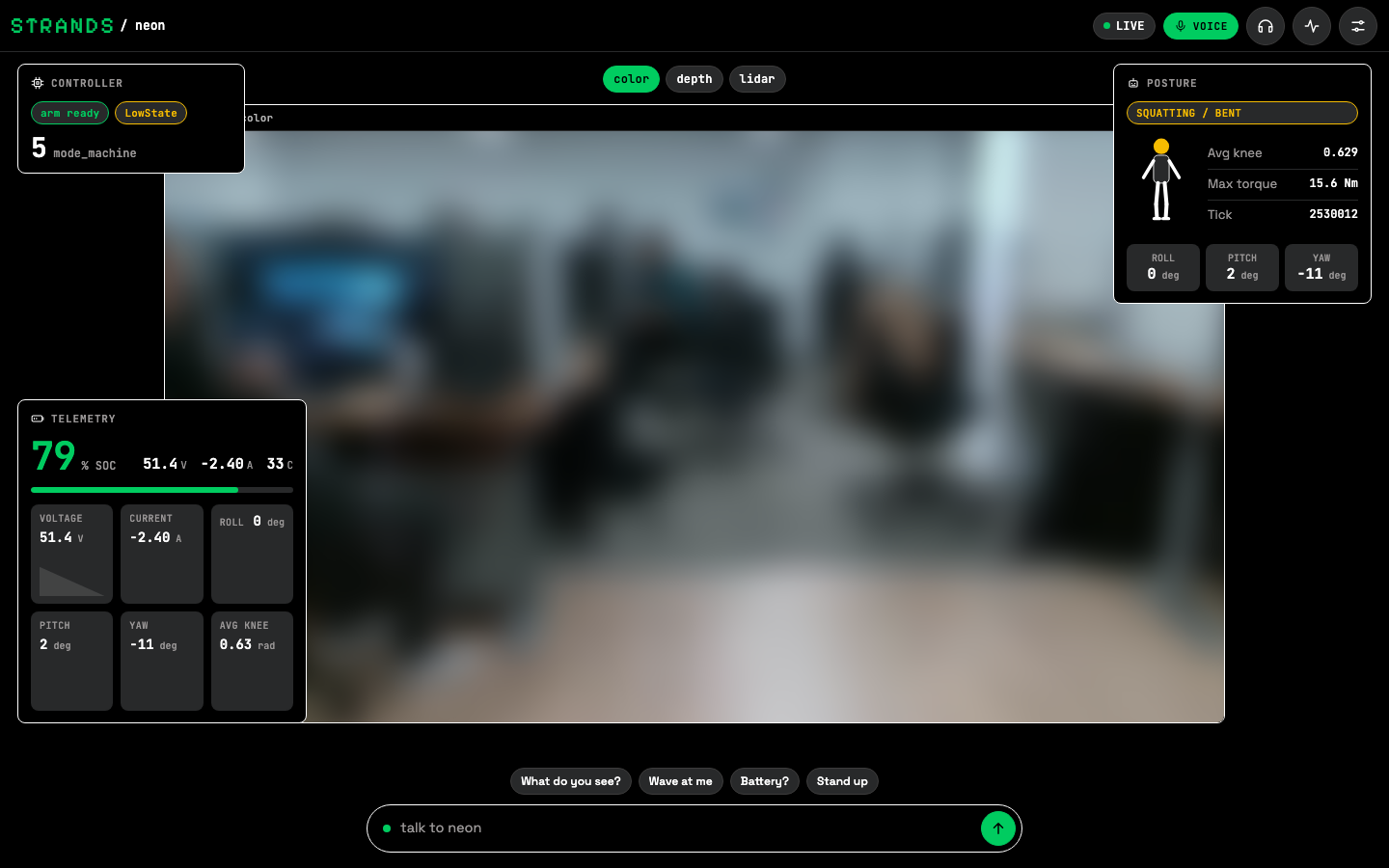
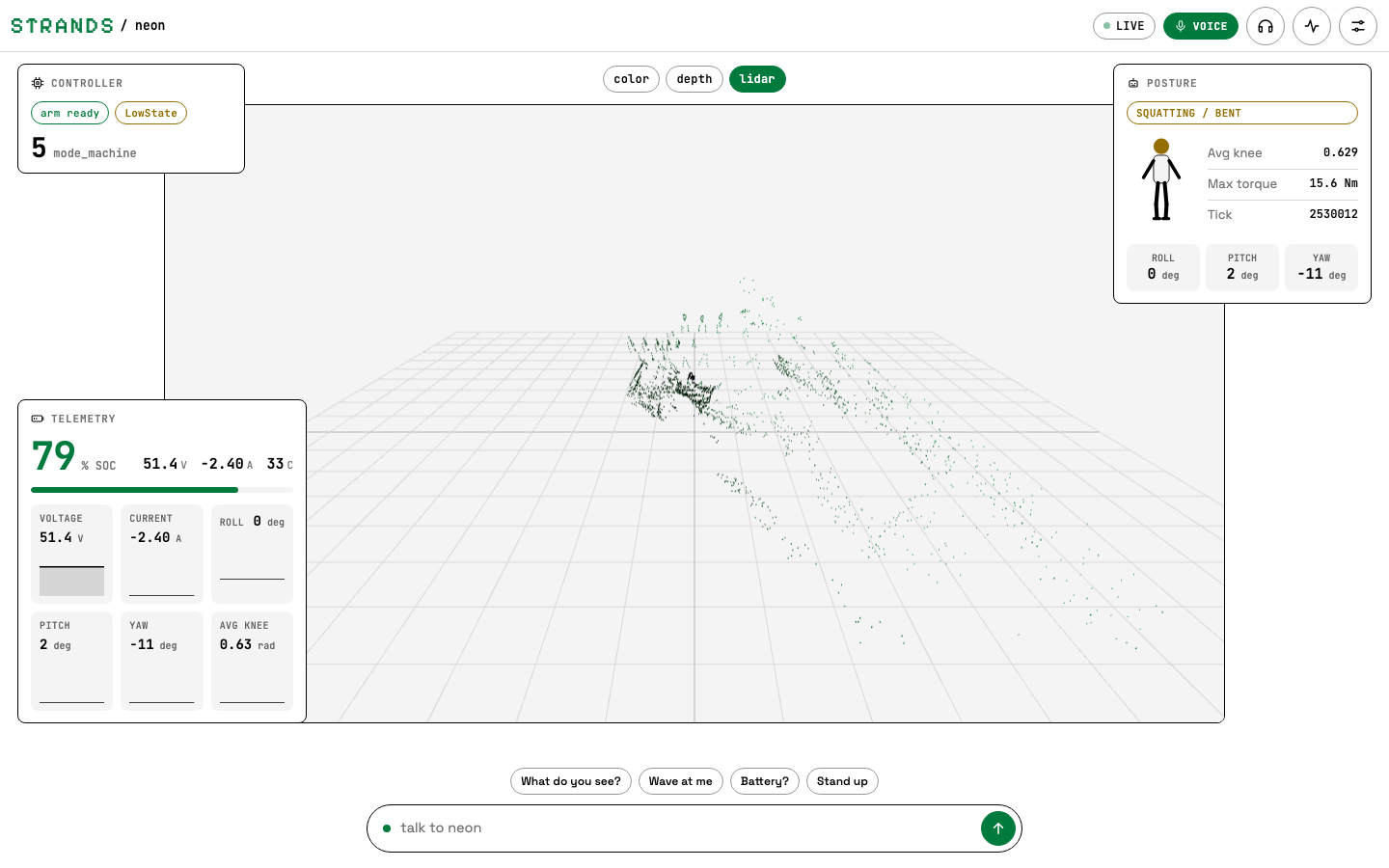
One stage, three cards, one composer. The stage switches between the RealSense colour feed, the depth feed and the Livox lidar point cloud. Controller shows the FSM and arm readiness, Posture the stick figure, knee angle and IMU, Telemetry the battery and the rolling sparklines. The composer at the bottom talks to the dashboard's own agent, and the chips are one tap prompts.
topbar·
Left to right: the Strands wordmark and the project label, the connection pill (LIVE while the telemetry websocket is open), the voice pill (live or snoozed with the remaining time), then teleop, activity log and configuration.
voice·
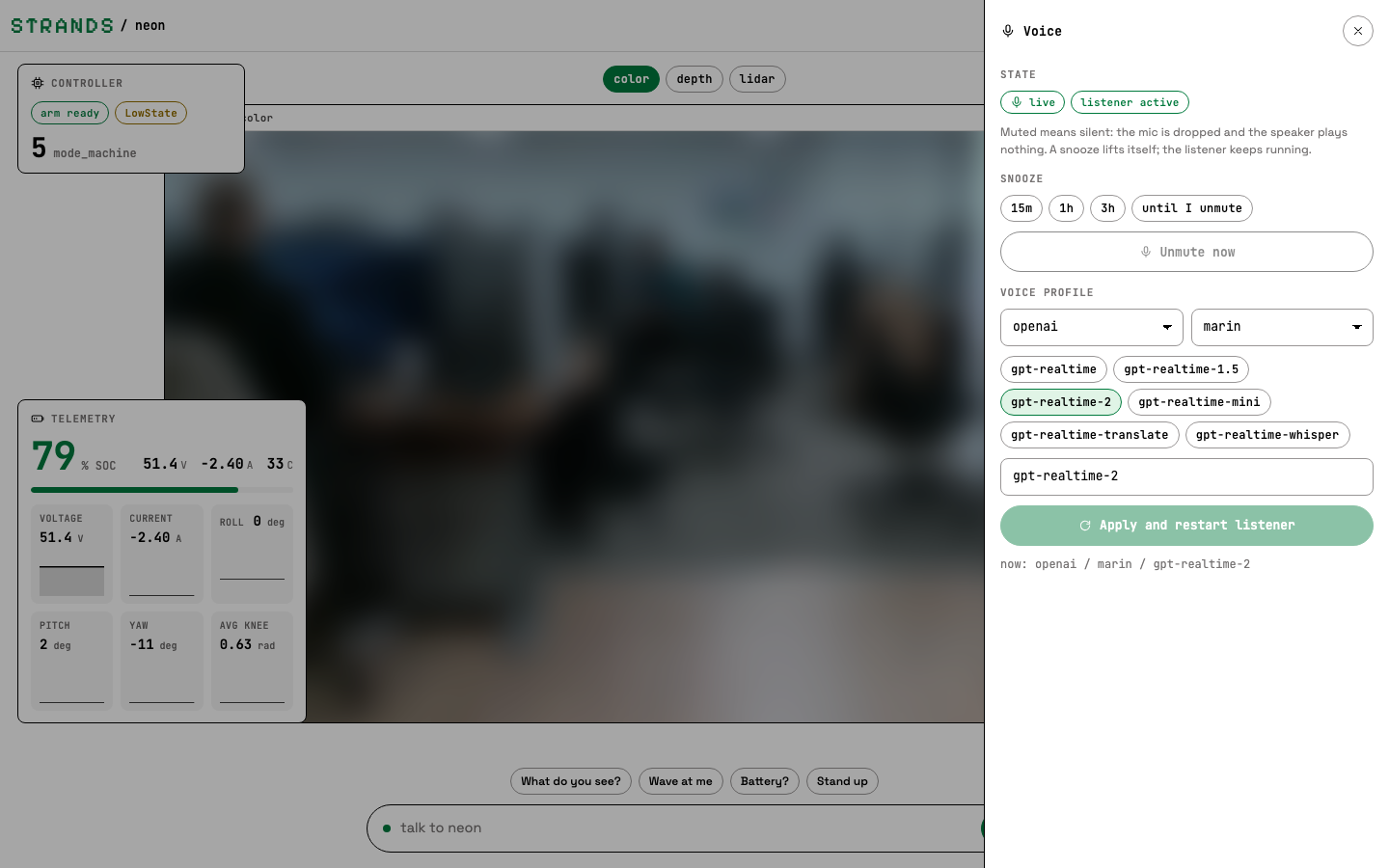
The microphone pill opens the Voice drawer: snooze the listener for 15 minutes, an hour, three hours or until you unmute it, and set the head speaker volume (minus, slider, plus: GET/POST /api/voice/volume, the robot's own audio service), and switch provider, voice and realtime model. Muted means silent: the microphone is dropped and the speaker output is gated. The same state is exposed to the agent itself through the voice_control tool, so "neon, be quiet for an hour" does the same thing.
activity log·
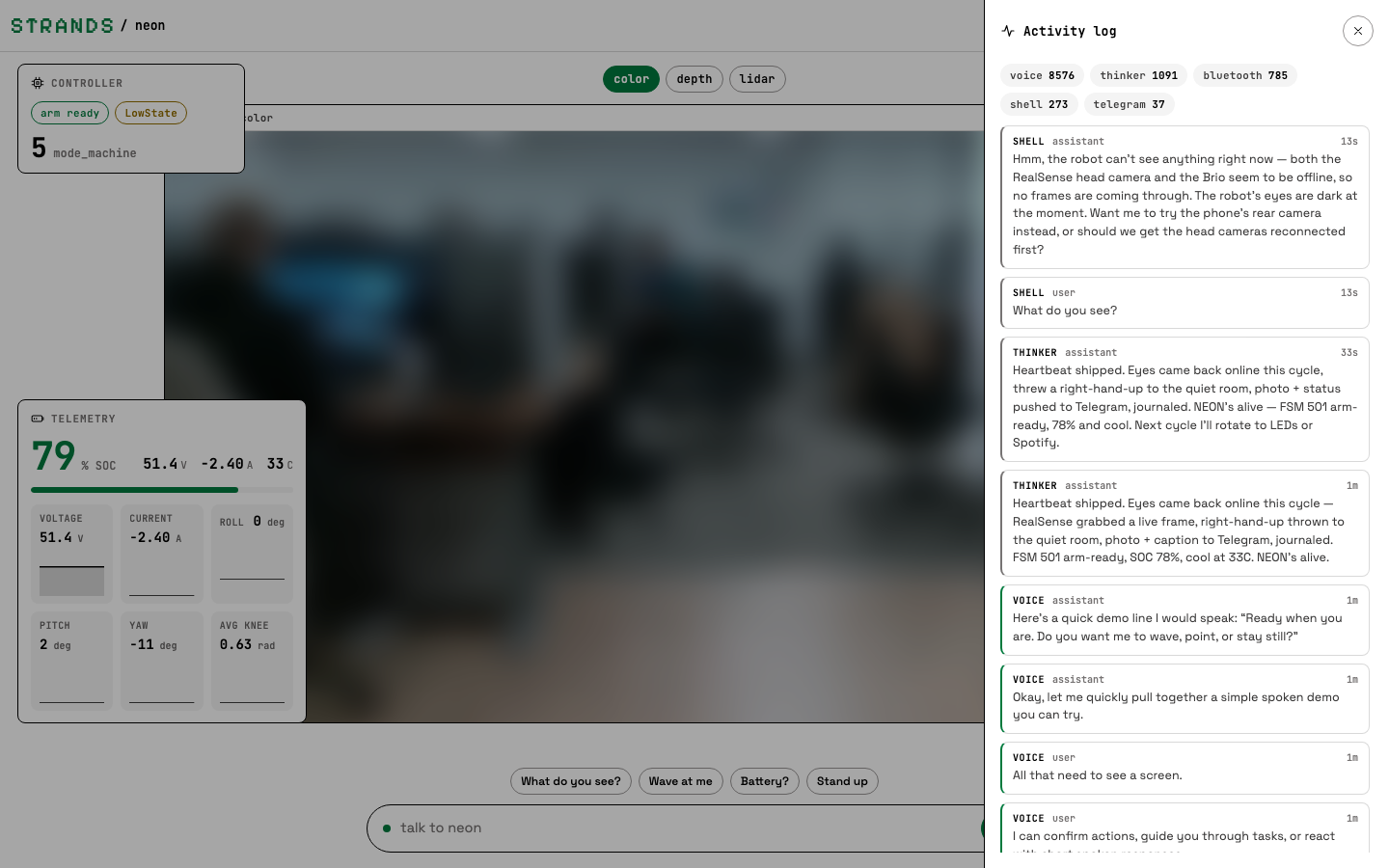
Every persona writes to one log (.memory/mem.db, table agent_log): voice, Telegram, the dashboard agent (shell), the thinker heartbeat and the Bluetooth presence loop. Tool calls appear as tool rows with the result code, so a "done" from the model can be checked against what the robot was actually asked to do.
configuration·
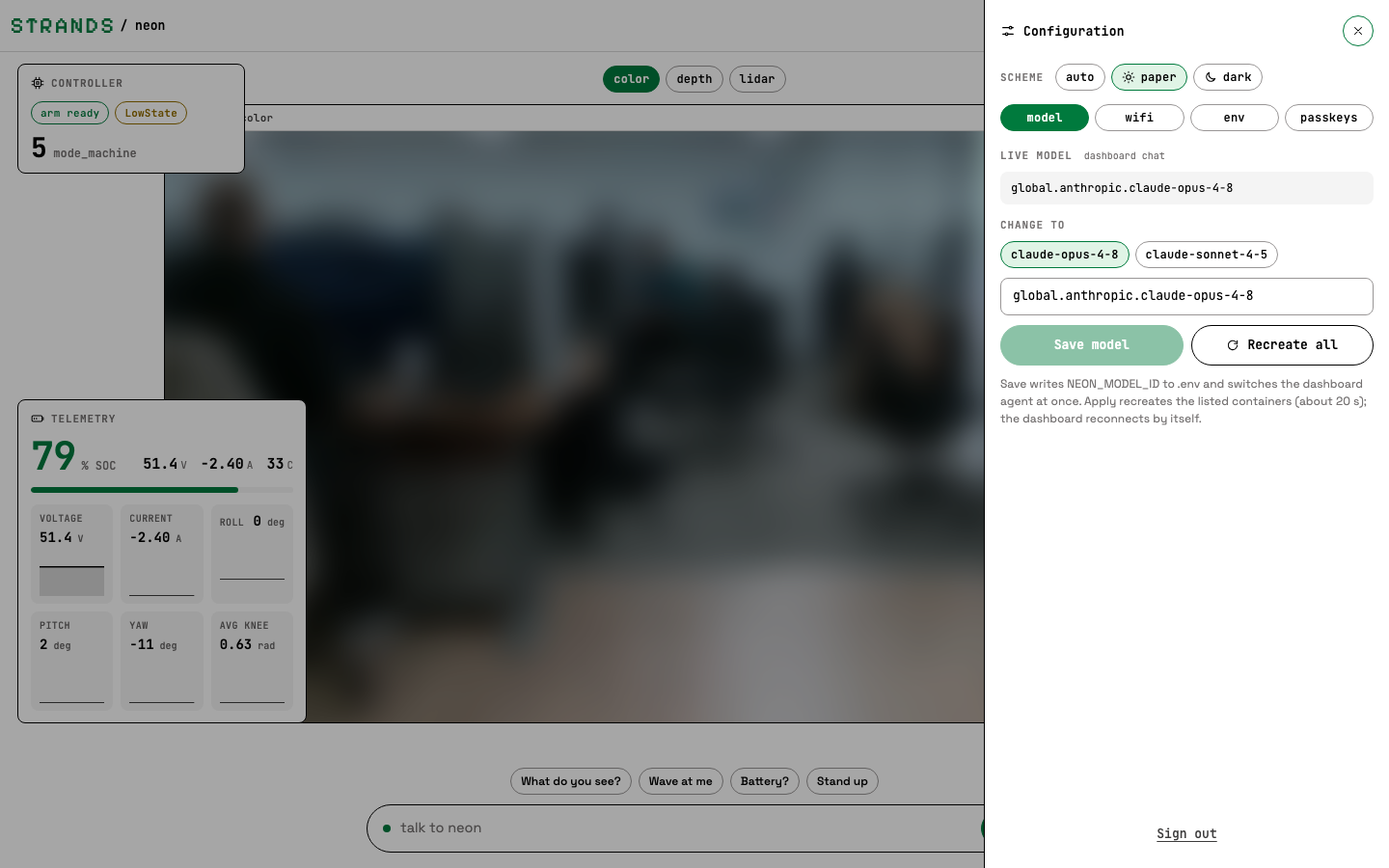
Scheme, model, WiFi, environment and passkeys. Saving a model writes NEON_MODEL_ID to .env and switches the dashboard agent at once; "Recreate all" asks the host side neon-ctl service to recreate the other persona containers so they pick it up too. The env tab shows the camera proxy token's health and can refresh it.
phone·
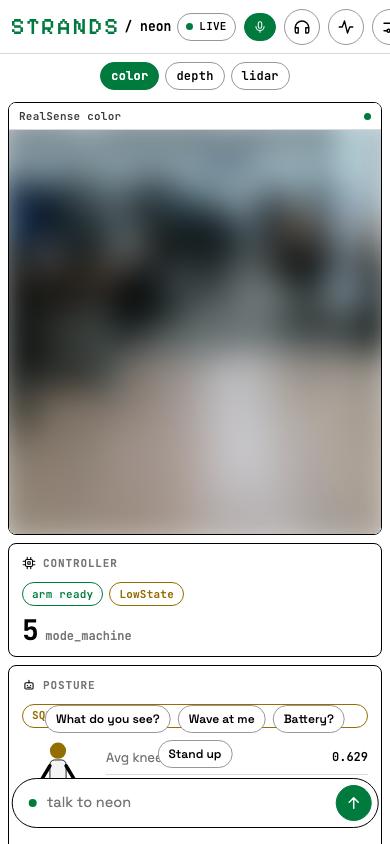
Below 820 px the stage and the cards become one scrolling column under the topbar; the composer stays docked.
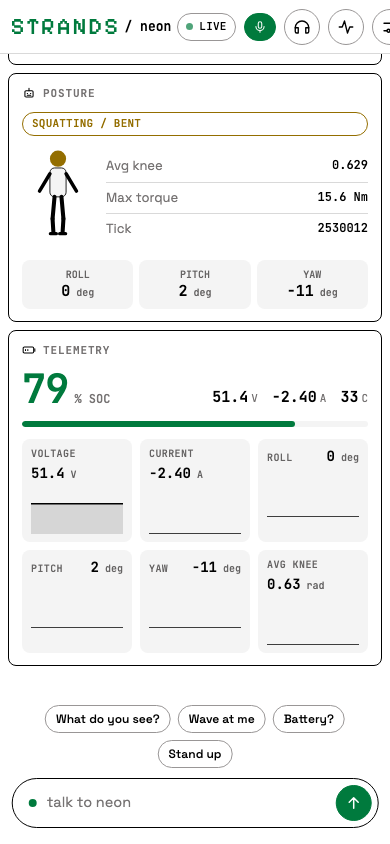
from your phone·
The same API the cockpit uses (/api/health, /api/telemetry,
/api/camera/<id>/snapshot, POST /api/chat) is what the tiny app reads when
the robot is enrolled as a body in your fleet: a floating card with the camera,
the readings and the gestures, each gesture being one prompt to the dashboard
agent. Enrol once from the robot with a dashboard service token
(make service-token mints one; npx tiny-tech enroll --endpoint https://<host> --body neon-the-g1)
and the card follows the robot across networks through the tunnel.
deploy·
docker-compose.yml bind mounts docs/dashboard over the image, so the container serves the host's frontend/dist. After a frontend change on the Jetson: cd docs/dashboard/frontend && npm install && npm run build, then docker compose restart neon-dashboard. Details and the API table live in docs/dashboard/README.md.