Tool Usage
Use Cosmos as a tool inside any Strands agent — Bedrock, Anthropic, OpenAI, Ollama, or any other provider.
See It In Action
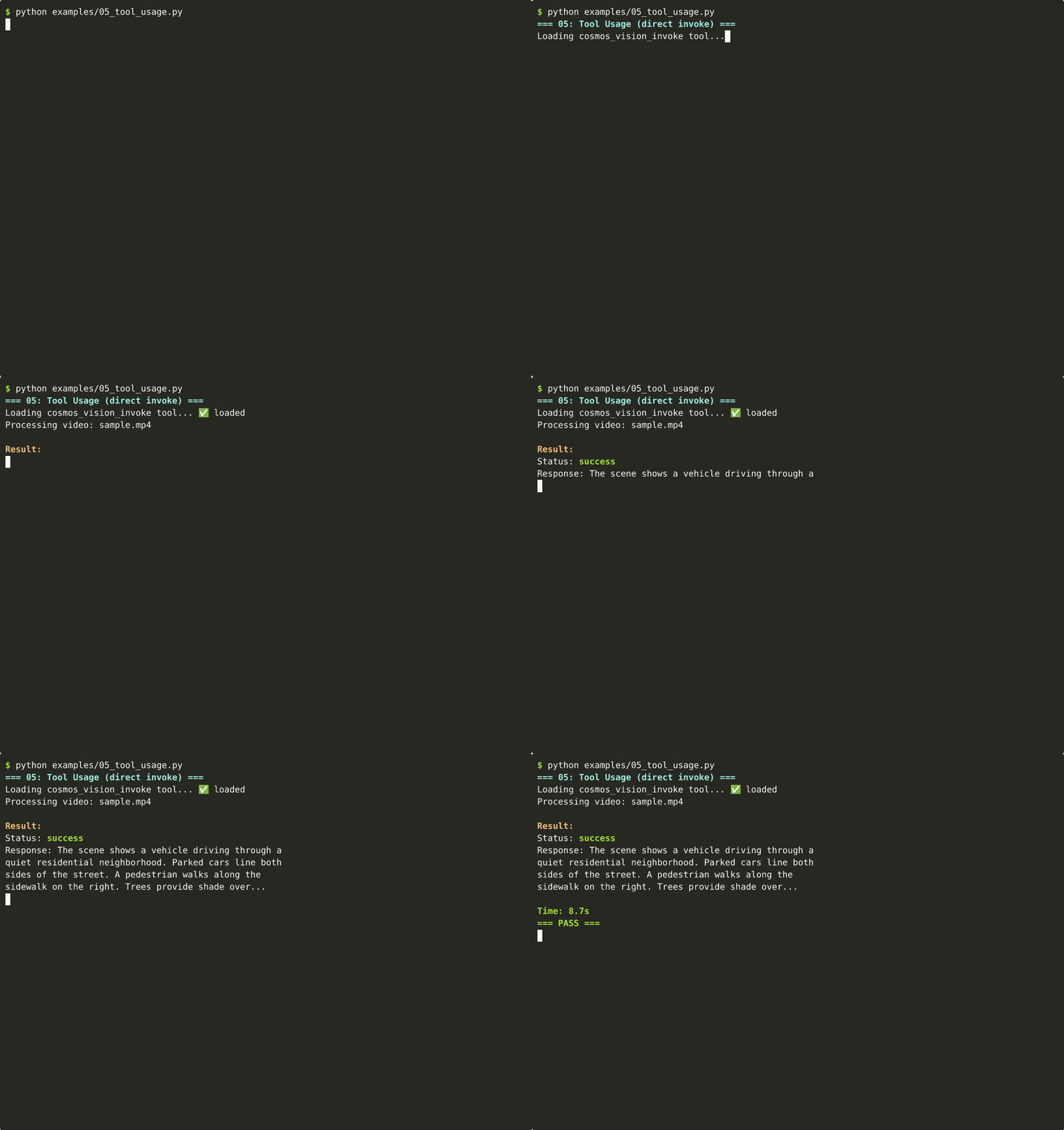
📺 Can't see the animation? Download MP4
How It Works
graph LR
    U["🧑 User"] --> A["🤖 Cloud Agent<br/>(Bedrock / Anthropic)"]
    A -->|Tool Call| C["🌌 Cosmos (local GPU)"]
    C -->|Vision Result| A
    A --> U

    style A fill:#264653,color:#fff
    style C fill:#76b900,color:#fff
The orchestrating agent (cloud-based) decides when to call Cosmos. Cosmos runs locally on GPU for vision inference. Results flow back to the orchestrating agent.
Vision Tool
from strands import Agent
from strands_cosmos import cosmos_vision_invoke

# Cosmos as a tool inside a cloud agent
agent = Agent(tools=[cosmos_vision_invoke])

# The agent decides when to invoke Cosmos
agent("Analyze this dashcam video for safety: /path/to/video.mp4")
The tool accepts:
| Parameter | Type | Description |
|---|---|---|
prompt |
str | The question to ask about the media |
media_path |
str | Path to video or image file |
model_id |
str | HuggingFace model ID (optional) |
Text-Only Tool
from strands import Agent
from strands_cosmos import cosmos_invoke

agent = Agent(tools=[cosmos_invoke])
agent("Using the Cosmos model, explain what happens when two magnets approach each other")
Both Tools Together
from strands import Agent
from strands_cosmos import cosmos_invoke, cosmos_vision_invoke

agent = Agent(tools=[cosmos_invoke, cosmos_vision_invoke])

# The agent picks the right tool automatically
agent("What happens in this video? /path/to/clip.mp4")
agent("Explain Newton's third law")
Multi-Agent Architecture
graph TD
    USER["User Query"] --> ORCH["Orchestrator Agent<br/>(Claude / GPT-4 / Bedrock)"]
    ORCH -->|"Video analysis"| COSMOS["Cosmos Vision Tool<br/>(local GPU)"]
    ORCH -->|"Code execution"| SHELL["Shell Tool"]
    ORCH -->|"File reading"| FILE["File Tool"]
    COSMOS --> ORCH
    SHELL --> ORCH
    FILE --> ORCH
    ORCH --> USER

    style COSMOS fill:#76b900,color:#fff
    style ORCH fill:#264653,color:#fff
What's Next
- Quickstart — Basic setup
- Jetson Deployment — Run tools on edge hardware