Video Captioning
Detailed temporal-spatial descriptions of video content using Cosmos-Reason2.
Terminal Recording
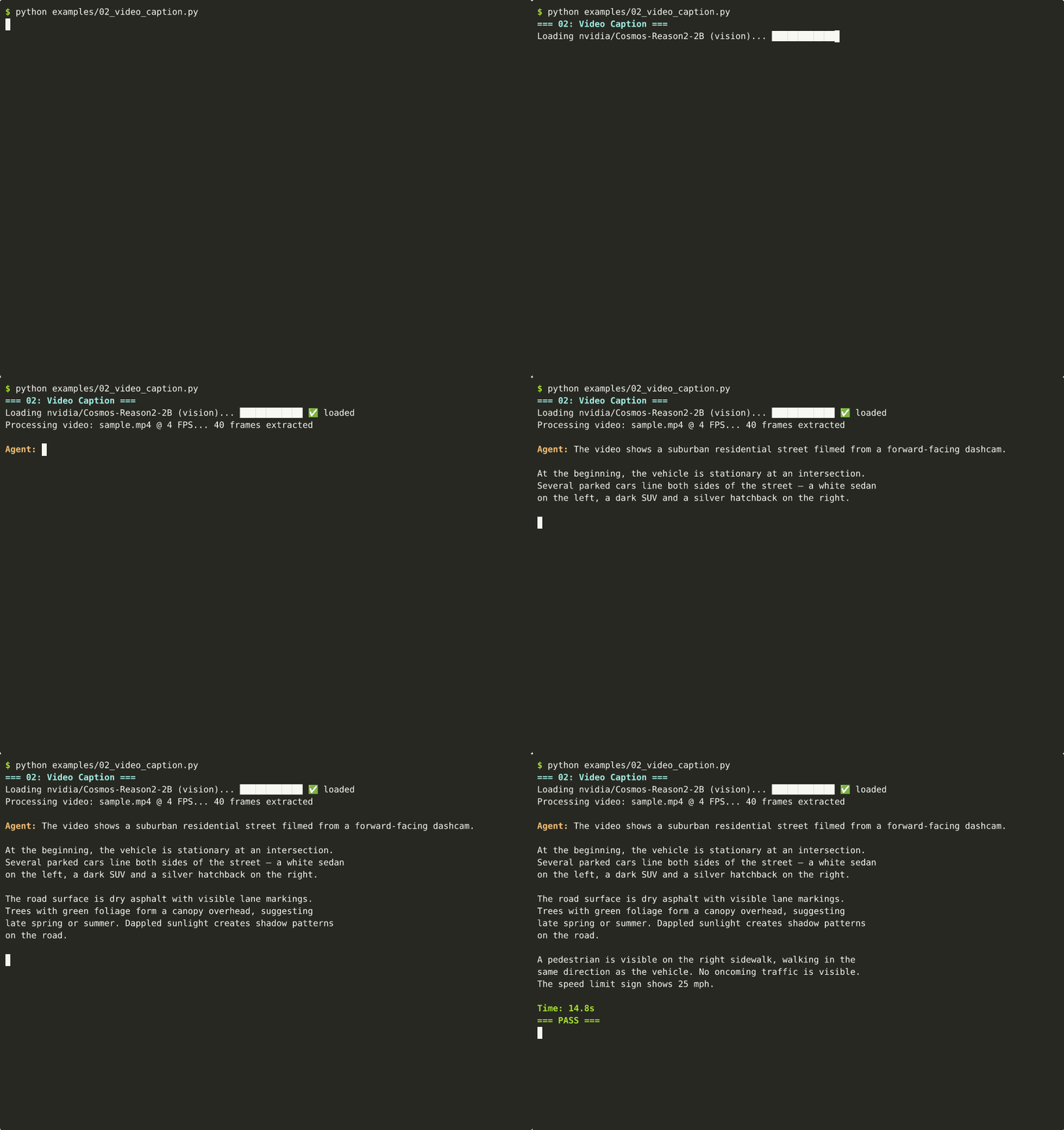
📺 Can't see the animation? Download MP4
View output text
$ python examples/02_video_caption.py
=== 02: Video Caption ===
Loading nvidia/Cosmos-Reason2-2B (vision)... ✅ loaded
Processing video: sample.mp4 @ 4 FPS... 40 frames

Agent: The video shows a suburban residential street filmed from a
forward-facing dashcam. At the beginning, the vehicle is stationary
at an intersection. Several parked cars line both sides...

A pedestrian is visible on the right sidewalk. No oncoming traffic.
The speed limit sign shows 25 mph.

Time: 14.8s
=== PASS ===
Play locally: asciinema play docs/assets/casts/02_video_caption.cast
Code
examples/02_video_caption.py
from strands import Agent
from strands_cosmos import CosmosVisionModel

model = CosmosVisionModel(
    model_id="nvidia/Cosmos-Reason2-2B",
    fps=4,
    params={"max_tokens": 4096},
)
agent = Agent(model=model)

result = agent("Caption in detail: <video>sample.mp4</video>")
Video Processing Pipeline
graph TD
    V["🎬 sample.mp4<br/>(10s video)"] --> D["Decode frames<br/>torchvision / av"]
    D --> S["Sample @ 4 FPS<br/>= 40 frames"]
    S --> T["Visual tokenizer<br/>256–8192 tokens/frame"]
    T --> P["Prepend text tokens<br/>'Caption in detail:'"]
    P --> M["Cosmos-Reason2<br/>Qwen3-VL backbone"]
    M --> R["Streaming text output<br/>token by token"]

    style V fill:#264653,color:#fff
    style M fill:#76b900,color:#fff
FPS Configuration Guide
| FPS | Frames (10s) | Memory | Speed | Best For |
|---|---|---|---|---|
| 1 | 10 | Low | Fast | Quick summaries |
| 4 | 40 | Medium | Balanced | Default — most tasks |
| 8 | 80 | High | Slow | Frame-level detail |
# Quick summary
model = CosmosVisionModel(fps=1)

# Detailed analysis
model = CosmosVisionModel(fps=8)
Supported Video Formats
| Format | Container | Status |
|---|---|---|
| H.264 | .mp4 | ✅ Primary |
| H.265 | .mp4 | ✅ |
| VP9 | .webm | ✅ |
| AV1 | .mp4 | ⚠️ Needs torchcodec |
Video length
Longer videos use more GPU memory (more frames × tokens). For videos >60s, consider reducing fps or splitting into segments.
→ Next: Driving Analysis | All Examples